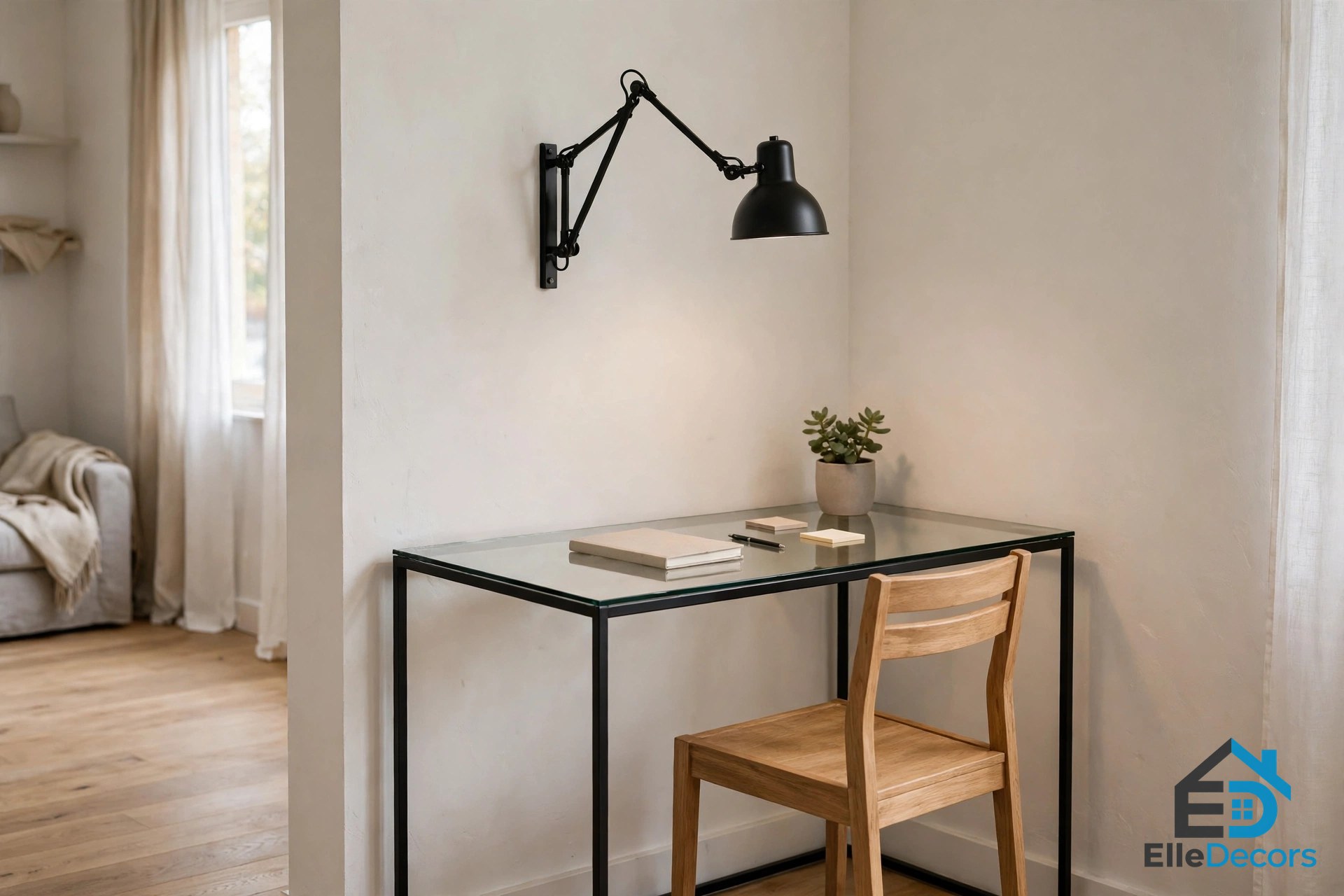
How to Choose a Minimalist Computer Table: A Step-by-Step Guide to a Clean, Comfortable Desk
Audio Summary
A minimalist desk looks simple. Buying the right one takes a little more thought. If the desk is too deep, it eats your room. If it is too shallow, your screen sits too close to your face and your knees hit the drawers. Learning how to choose a minimalist computer table means working through a few plain questions. How much space do you have? What will sit on the desk? How tall should it be? This guide answers those questions in order, with real numbers you can check with a tape measure. It also shows three real desks that follow the rules, so you can see what to look for in a store. If you are setting up a whole work corner and not just a desk, our guide to small home office ideas covers the rest of the room.
What Makes a Computer Table “Minimalist”?
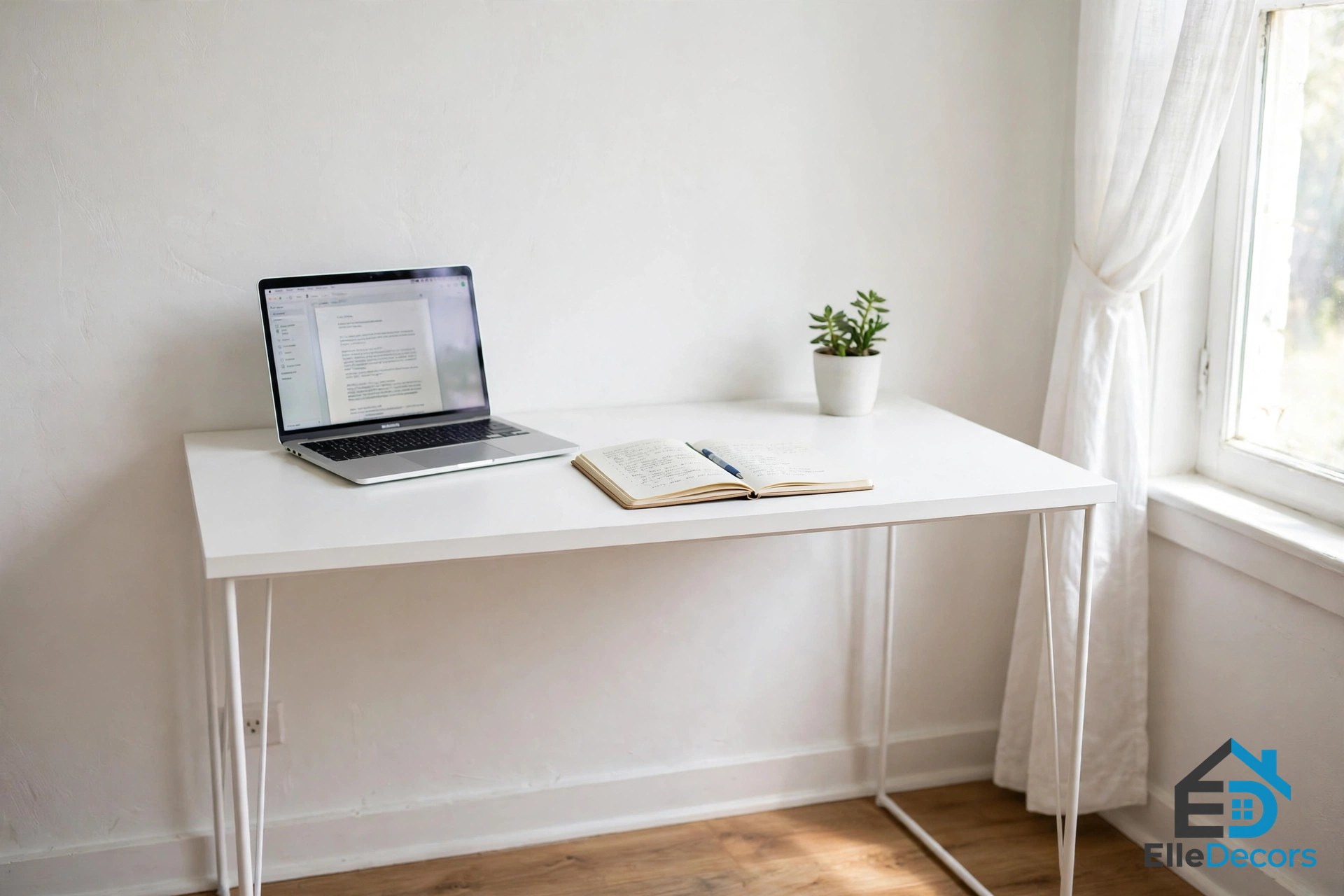
A minimalist computer table is a plain top on simple legs, with nothing you do not need. There are no big side cabinets, no rows of shelves, and no fancy trim. The top is flat and clear. The legs are thin, so the desk looks light and the room feels bigger.
This style is not just about looks. Fewer parts mean fewer places for dust and clutter to collect. A clear top is faster to clean and easier to work at. Most minimalist tables also use calm finishes — white, light wood, or black — which helps them blend into a bedroom or living room instead of shouting for attention. The catch is that simple desks give you less storage and less room to hide cables. That is why the steps below matter: you plan for those things before you buy, not after.
How to Choose a Minimalist Computer Table in Seven Steps
Step 1: Measure Your Space First
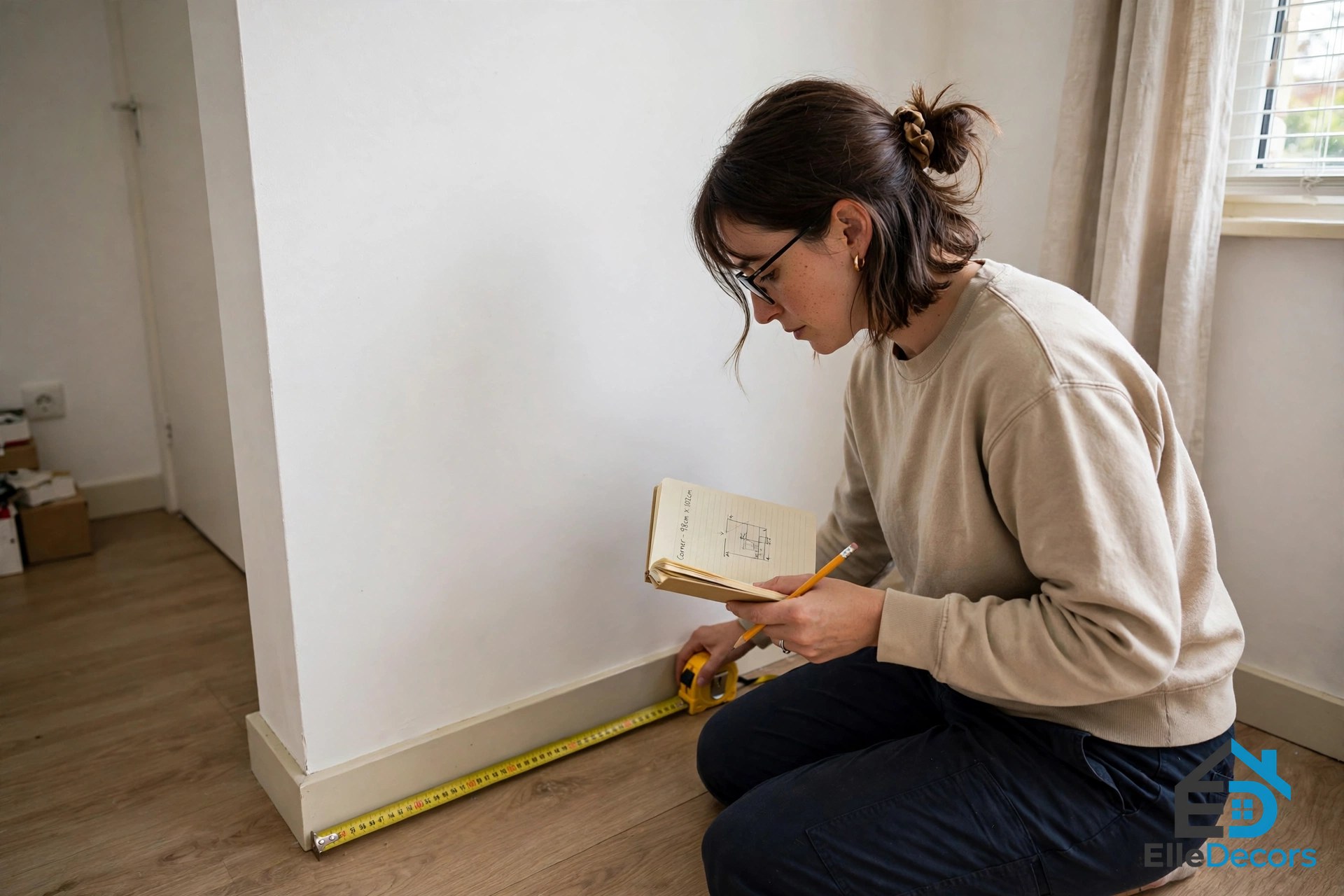
Start with the room, not the desk. Measure the wall or corner where the desk will go. Write down the length of that wall. Then check the floor space in front of it. You need room to pull your chair out and sit down without bumping into a bed or a door.
A good rule is to leave about 30 inches of clear floor behind the desk for your chair. Also check where the wall outlets are. A desk that sits near an outlet needs shorter cables and looks tidier. And watch the door: a desk that blocks a door swing will annoy you every single day. If the room is a studio or a shared bedroom, a desk in the 40 to 48 inch width range usually fits best. Readers furnishing one room that does everything can find more layout help in our studio flat furnishing ideas.
Step 2: Match the Size to Your Gear
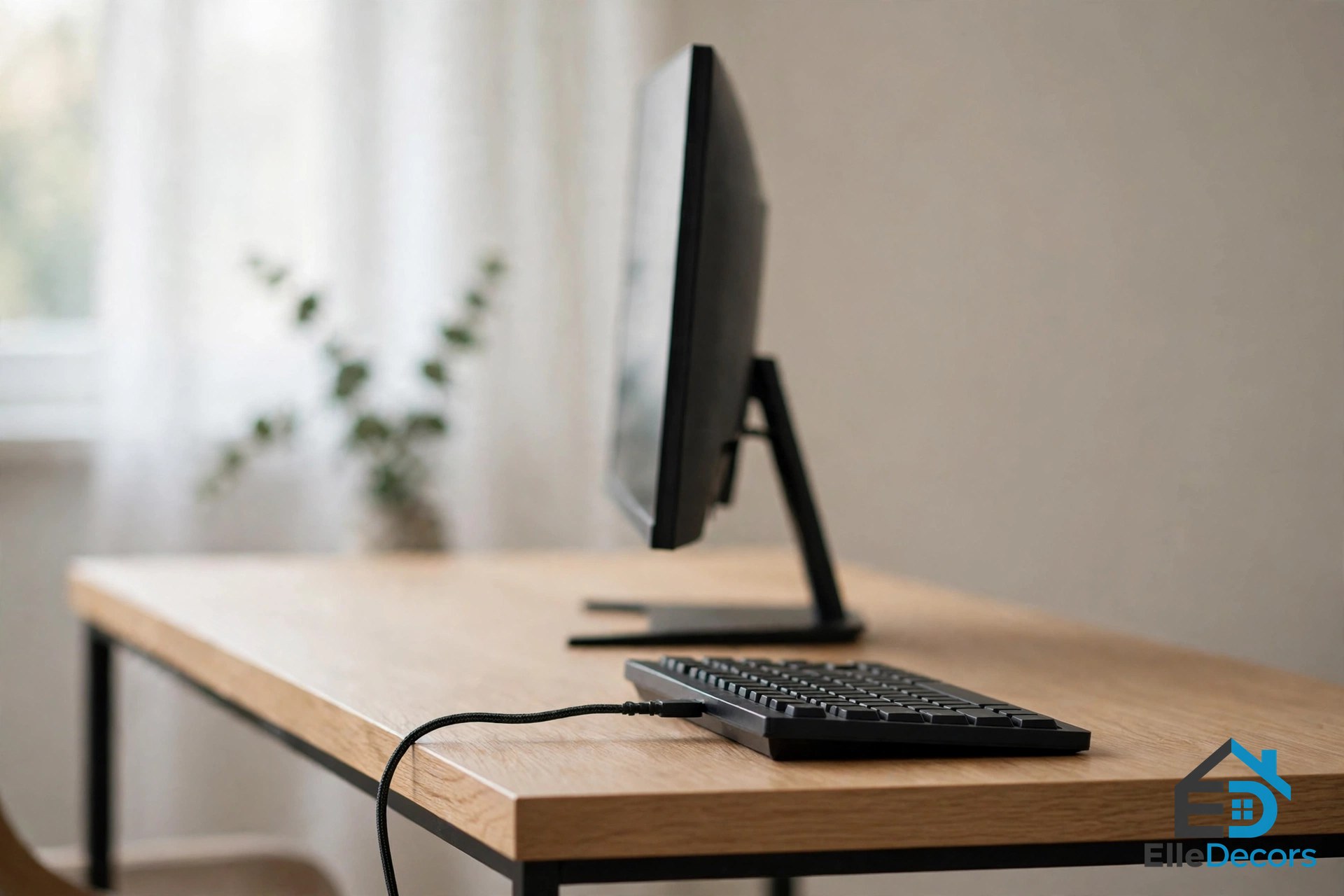
Most of how to choose a minimalist computer table comes down to three numbers: width, depth, and height. Width is about your gear. A laptop alone fits on a desk 40 inches wide. One monitor with a keyboard needs about 48 inches. Two monitors need 55 to 60 inches, or a narrower desk plus a monitor arm.
Depth is about your eyes. Safety experts at OSHA say your monitor should sit directly in front of you, at least 20 inches from your eyes. A desk 24 inches deep gives you that space and room for a keyboard. A desk only 20 inches deep is tight for a desktop monitor. It can still work for a laptop, or if the screen hangs on a wall mount or an arm.
Write the three numbers on paper and take them with you when you shop. A desk that misses your numbers by even two inches can feel wrong all day, every day.
Step 3: Get the Height Right
Most fixed desks stand 28 to 30 inches tall, and that suits most adults. Sit at the desk in your normal chair. Your feet should rest flat on the floor. Your elbows should bend at about a right angle, with your forearms level with the keyboard.
Also check the space under the top. OSHA says the clearance for your legs under the desktop should generally be between 20 and 28 inches high. If a desk feels too high, raise your chair and add a footrest. If you share the desk with people of very different heights, an adjustable-height frame solves the problem for everyone.

Step 4: Pick Legs That Leave Room for Yours
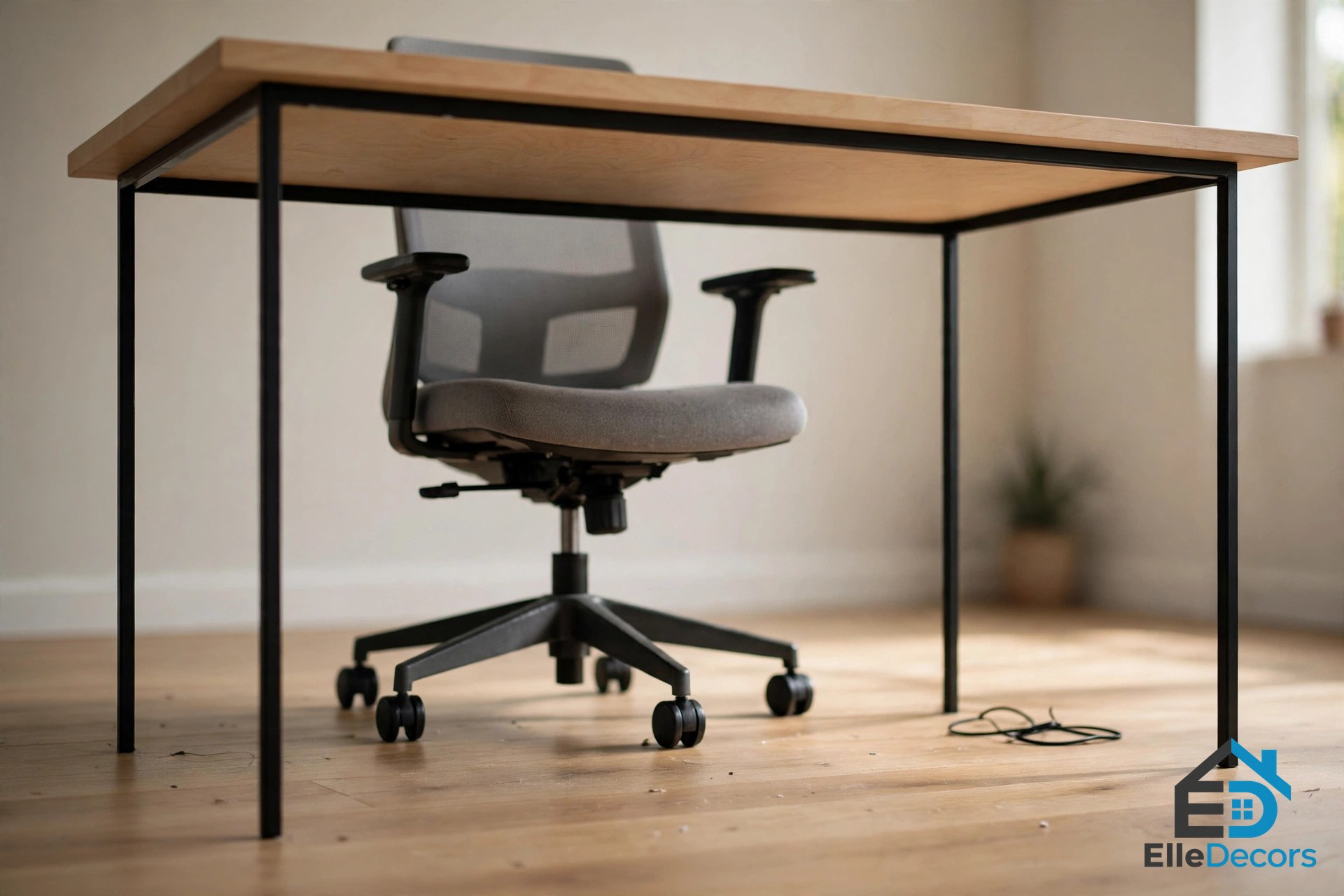
Leg style changes how a desk feels to sit at. Four slim legs or a simple metal frame leave the whole underside open. Your knees and chair arms have space, and the desk looks light. Panel sides and big storage pedestals look solid, but each one steals legroom on that side.
There is no wrong choice here, only a trade. Open legs give comfort and a clean look. A pedestal gives storage but makes the desk feel heavier. In a small room, open legs usually win. If you tend to shift around or cross your legs while you work, an open frame matters even more: you can stretch and turn without hitting a panel.
Step 5: Choose a Material You Can Live With
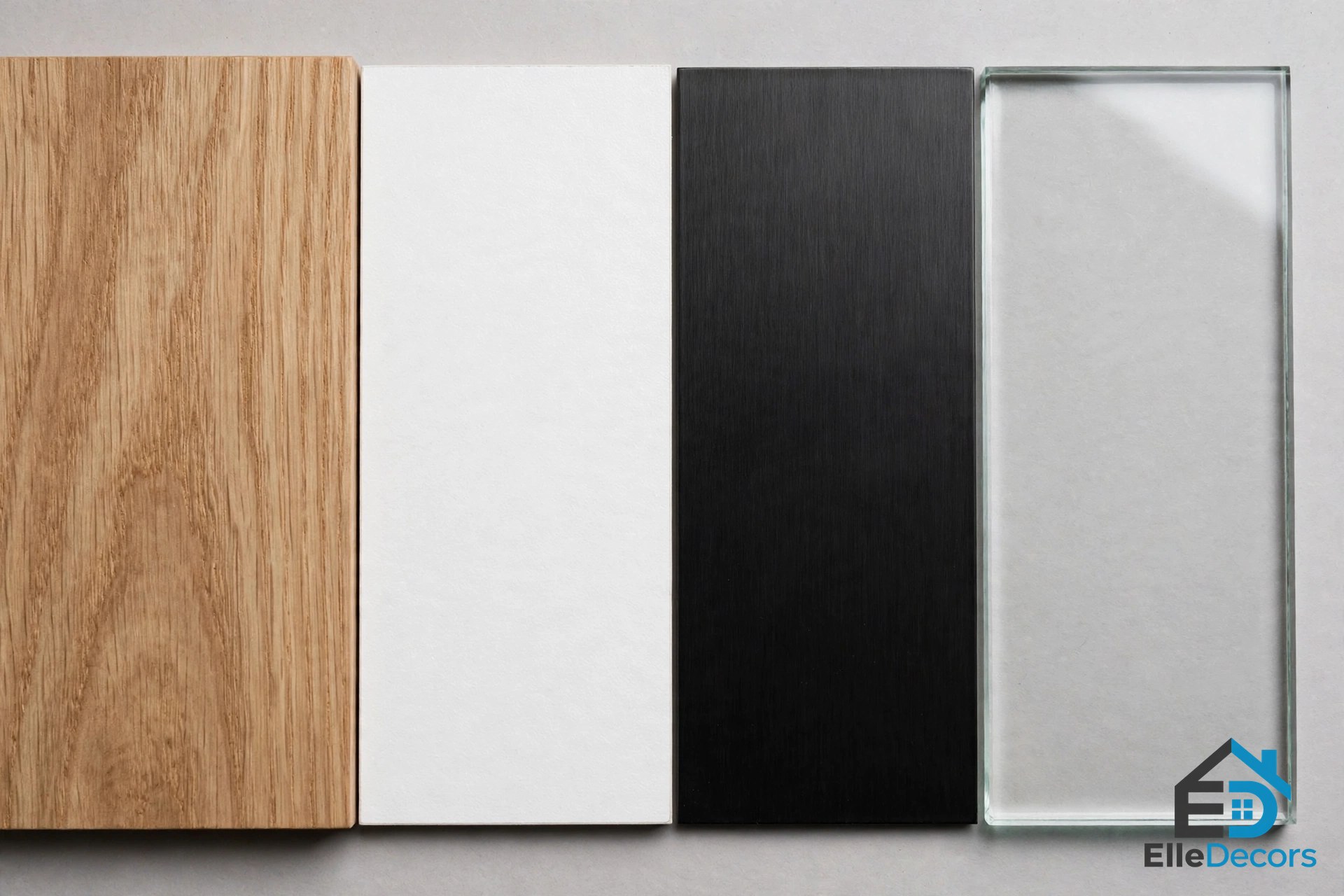
The top material decides how the desk ages. Solid wood is strong and can be sanded and fixed years later, but it costs more and feels heavy. Engineered wood, like the particleboard in most flat-pack desks, is light and easy to clean, but its edges chip if you knock them.
Metal frames are slim and strong. Glass tops look airy, yet they show every cable and fingerprint, and they can feel cold under your wrists. For most homes, a wood or engineered-wood top on a metal frame is the easy middle ground: warm to the touch, simple to wipe, and sturdy.
Whatever you pick, think about daily care. A surface you can wipe with a damp cloth will stay nice with little effort. Use a coaster or a desk mat where drinks and laptops sit, since heat and spills are what mark most desks.
Step 6: Plan Your Cables Before You Buy
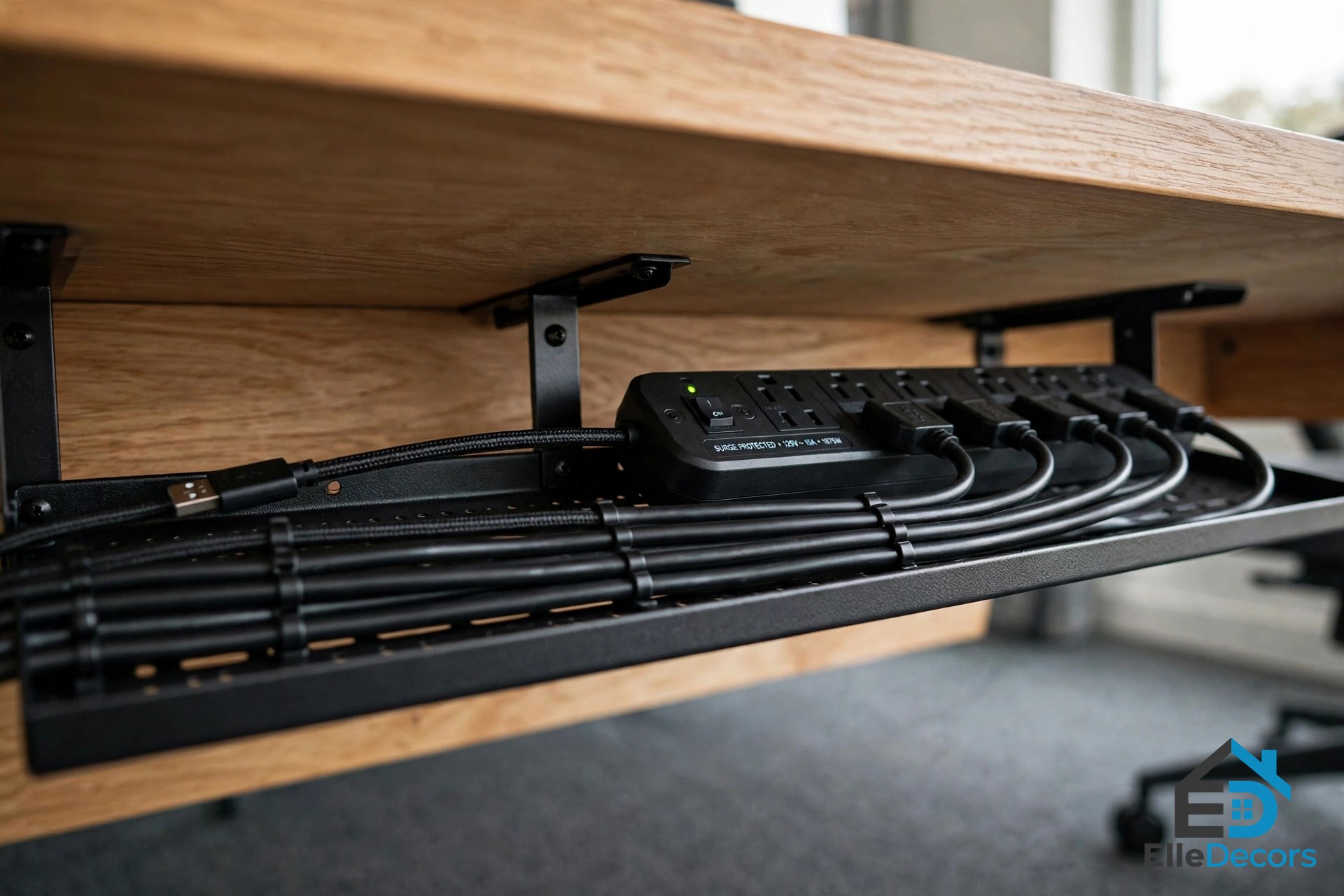
Cables are the part of how to choose a minimalist computer table that most people forget until setup day. A plain desk has nowhere to hide a power strip, so plan for it. Look for a desk with a cable outlet or grommet at the back, or space to clip a cable tray under the rear edge. A tray holds the power strip off the floor and keeps cords in one line.
Watch how a well-planned desk handles its cables and gear in this short video:
Good light matters just as much, and it does not have to take desk space. A wall-mounted or clamp-on swing arm lamp keeps the top clear and puts light where you need it.
Step 7: Decide How Much Storage You Really Need
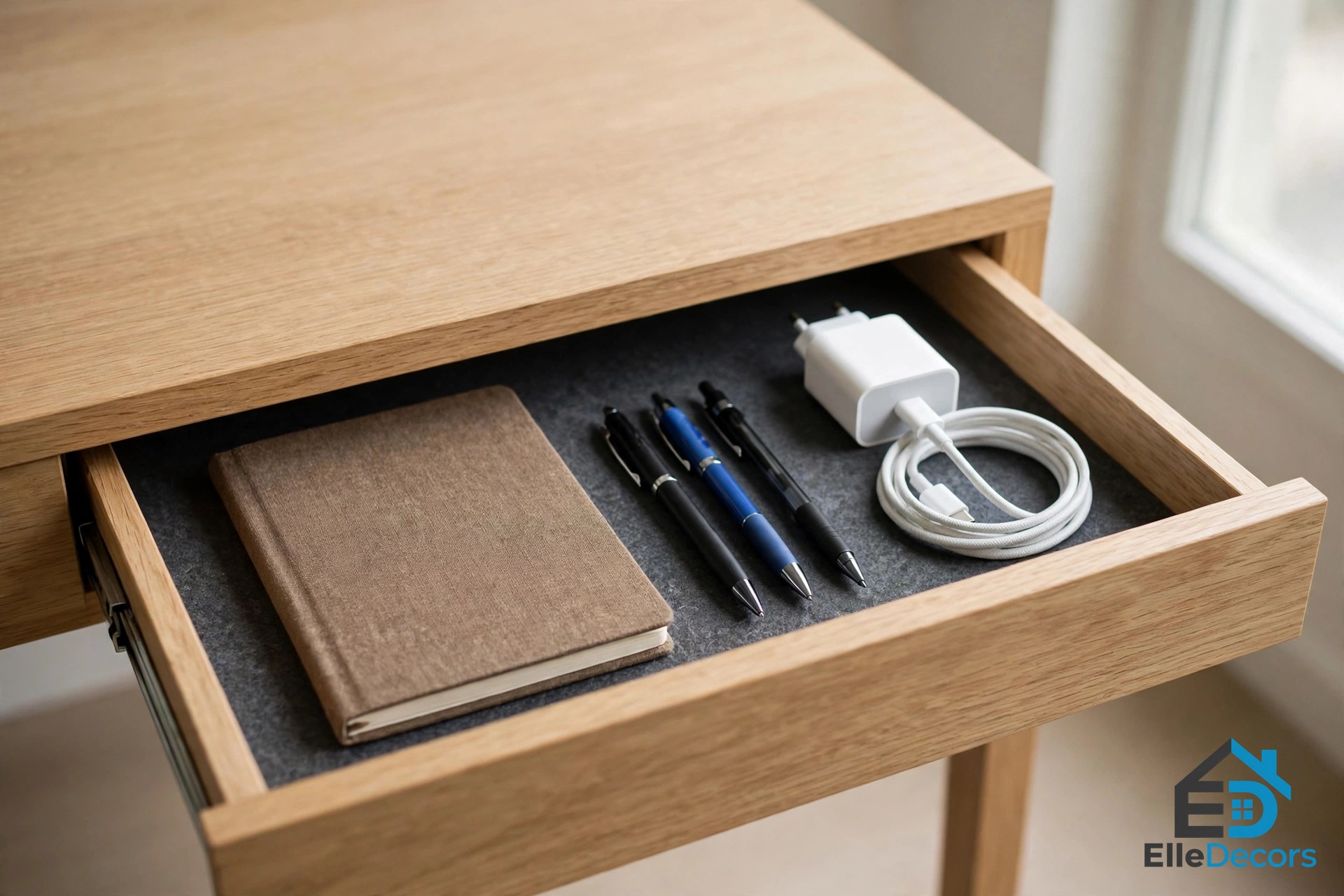
Minimalist desks and storage do not get along, so be honest about what you own. If you only use a laptop, a notebook, and a pen, a bare top is enough. If you print, file papers, or store chargers and drives, you need one drawer or a small cabinet.
What you should not do is stuff the space under the desk with boxes and a big computer tower. OSHA advises keeping that space free, because your legs need it. One slim drawer for daily items is the sweet spot for most people. Everything else can live on a shelf or in a closet. If you need more storage than one drawer gives, move it off the desk rather than under it: a small wall shelf above the desk or a slim rolling cart beside it keeps supplies close without crowding your knees.
Three Real Desks That Show the Rules
You now know how to choose a minimalist computer table on paper. Rules are easier to trust when you can see them on real products. Here are three desks that show the main choices in this guide.
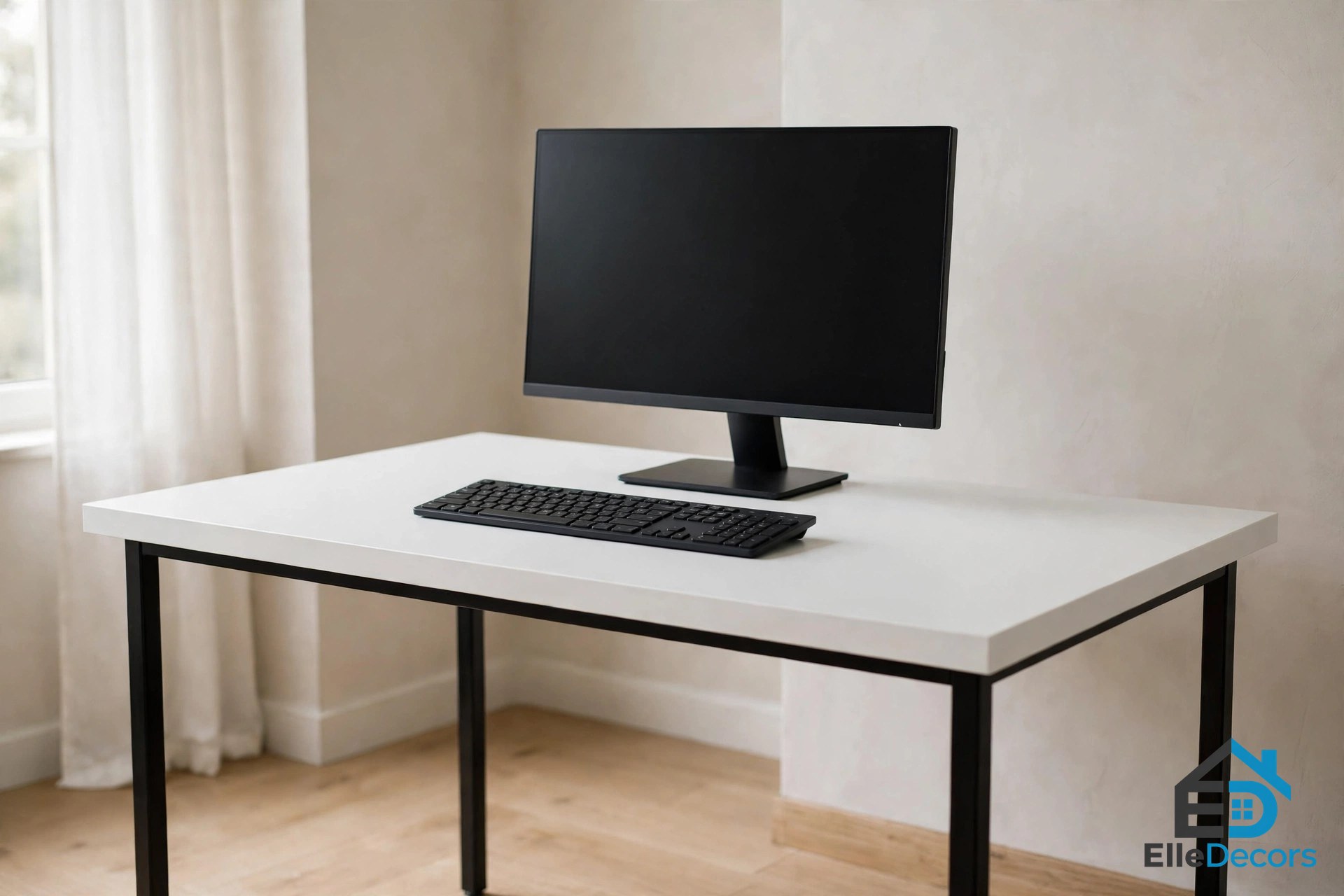
IKEA LAGKAPTEN / ADILS is the plain slab in its purest form: a simple tabletop on four legs, with no storage at all. The 47 1/4 x 23 5/8 inch size hits the sweet spot for one monitor, and the legs have adjustable feet for uneven floors. You can check sizes and finishes on the IKEA LAGKAPTEN / ADILS desk page. It is the right pattern if you want the cleanest look and can store your gear elsewhere.
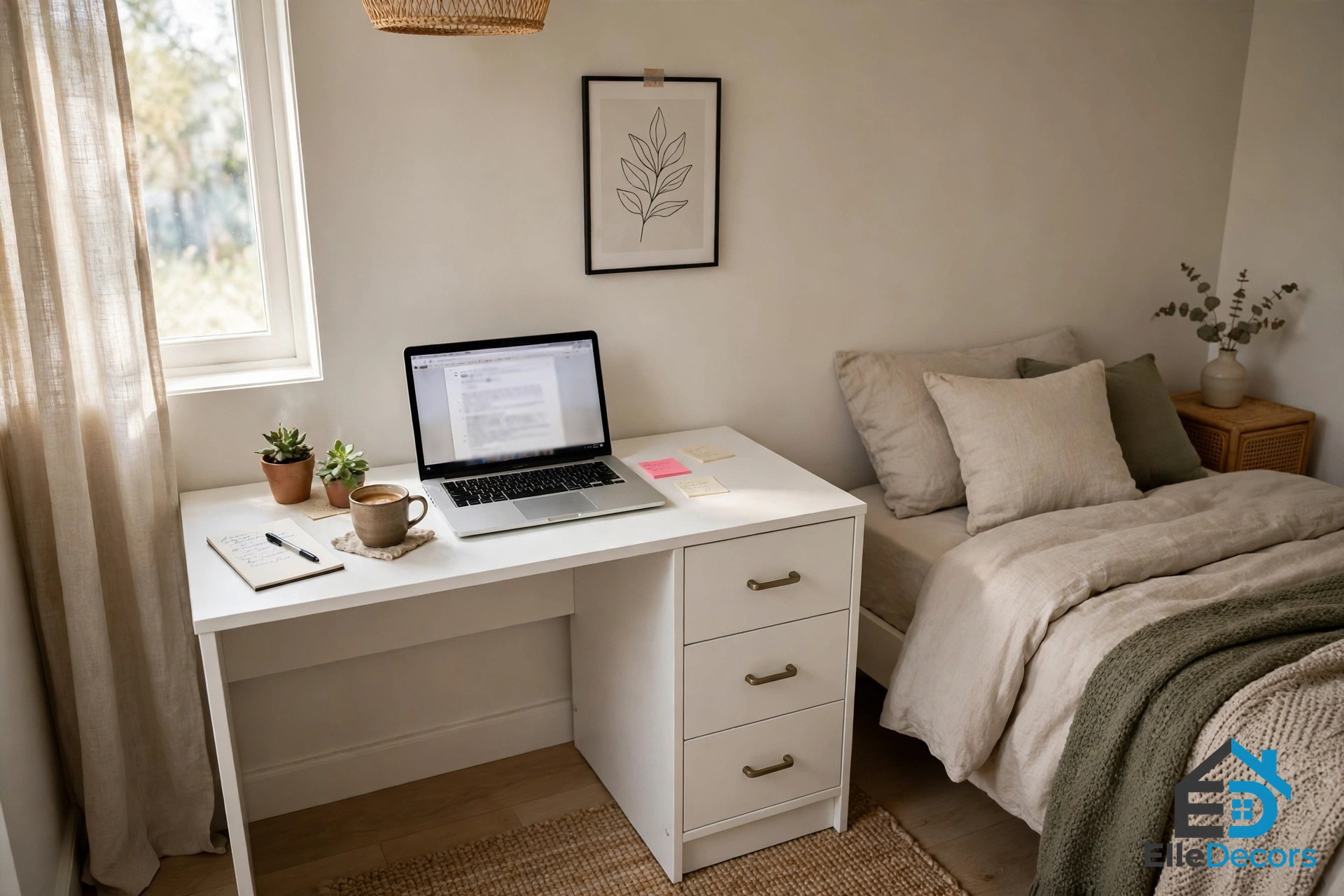
IKEA MICKE shows the opposite trade. At 41 3/8 x 19 5/8 inches, it squeezes a storage unit with drawers and a cabinet into a small footprint, and it has a cable outlet at the back to keep cords out of sight. IKEA sells it in several finishes; details are on the IKEA MICKE desk page. Two honest warnings: the shallow top means a big monitor will sit close, and the storage unit takes legroom on one side. It suits laptop users in tight rooms best.
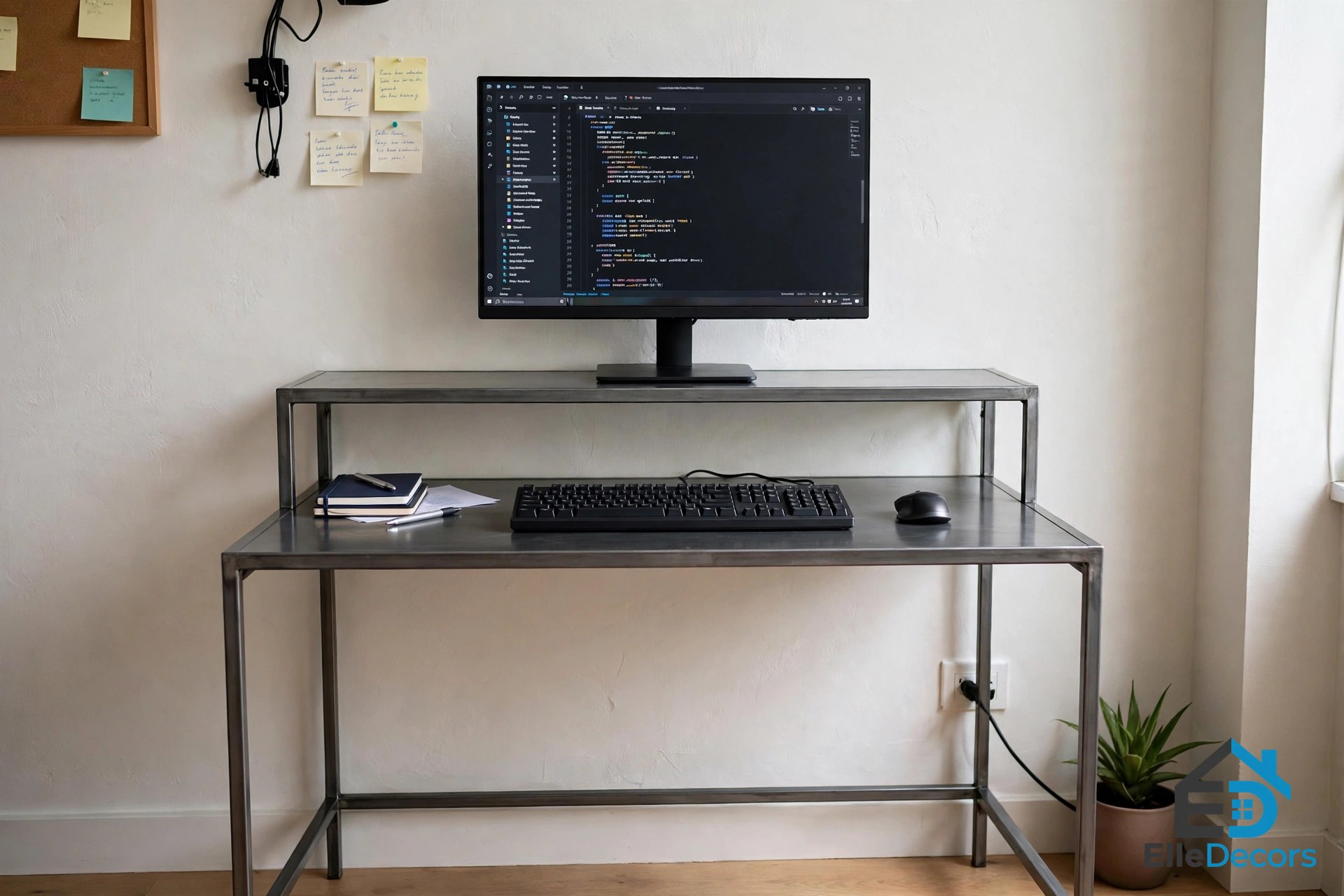
The Heckler OneLessDesk shows a third idea: two slim steel decks, one for the screen and a lower one for the keyboard, which slide together to save space. It appeared in the competitor roundup that inspired this guide, and older reviews confirm the two-level design and compact size. We could not verify a current sales page for it, so it is not linked here. Treat it as design inspiration for what a two-tier layout can do.
Mistakes to Avoid
Almost every mistake below is a skipped step in how to choose a minimalist computer table.
- Buying from a photo. A desk that looks small online can be 60 inches wide. Always check the numbers against your tape measure.
- Going too shallow. A top under 20 inches deep leaves no safe distance for a desktop monitor.
- Filling the leg space. A tower PC, boxes, or a printer under the desk will crowd your knees all day.
- Ignoring the front edge. A sharp, hard edge presses on your wrists and forearms. OSHA flags this as a real source of strain. Pick a rounded or smooth edge.
- Forgetting the chair. Measure with your chair in place. Some desk frames leave no room for chair arms.

Frequently Asked Questions
What size should a minimalist computer table be?
For most people, 48 inches wide and 24 inches deep is a safe start. That fits one monitor, a keyboard, and a notebook. Laptop-only setups can go down to about 40 inches wide. Two monitors need 55 to 60 inches of width, or a monitor arm to save space.
How deep does a desk need to be for a monitor?
Deep enough to keep the screen at least 20 inches from your eyes, which is the distance OSHA recommends. A 24 inch deep desk does this with ease. On a 20 inch desk, use a monitor arm or a wall mount to push the screen back, or choose a laptop instead.
What is the best material for a minimalist computer table?
There is no single best material. In short, how to choose a minimalist computer table is a measuring job first and a shopping job second — but for materials, engineered wood is the common pick because it is light, smooth, and easy to clean. Solid wood lasts longer and can be repaired. Metal frames add strength without bulk. Glass looks light but shows cables and marks.
Do I need drawers on a minimalist desk?
Only if you use small items every day. One slim drawer handles a notebook, pens, and chargers. More storage than that usually means a pedestal, which takes legroom and breaks the clean look. Store the rest away from the desk.
Are minimalist desks good for small rooms?
Yes. Their slim legs and plain tops make a room feel open, and most come in widths made for tight walls. Wall-mounted and folding models go even further for very small spaces. Just keep the depth near 24 inches if you use a monitor, so small does not become uncomfortable. A light finish helps too, since pale tops bounce light around and make a tight corner feel less boxed in.
The Bottom Line
How to choose a minimalist computer table is not about finding the plainest desk in the store. It is about fit: fit for your room, your gear, and your body. Measure first. Keep the screen 20 inches away. Leave your legs a clear space. Pick a material you can clean, plan the cables, and take only the storage you truly need. Do those things, and a simple desk will stay comfortable and clutter-free for years.